Pinkcue
Available soon for iPhone and iPadBroadcast-grade teleprompting. Made for reels.
Reels
Film yourself on the front camera with the script hanging from the Dynamic Island. You read the line under the pink cue, so your eyes stay on the lens.
How reels workPrompter glass
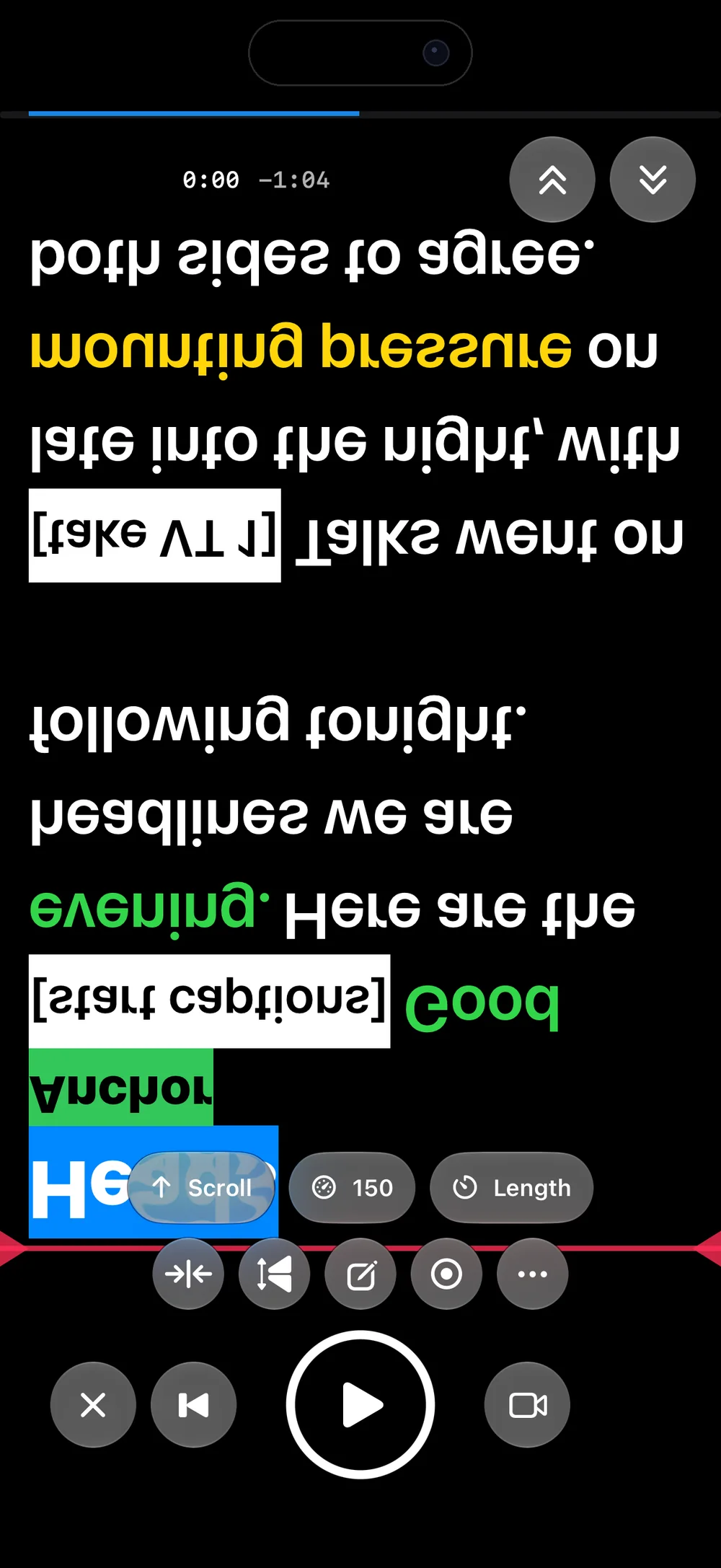
Lay the phone under the glass of a prompter rig, as in a studio. The glass turns the text the right way round and shows it straight in front of the lens.
How the glass worksYour eyes stay on the lens
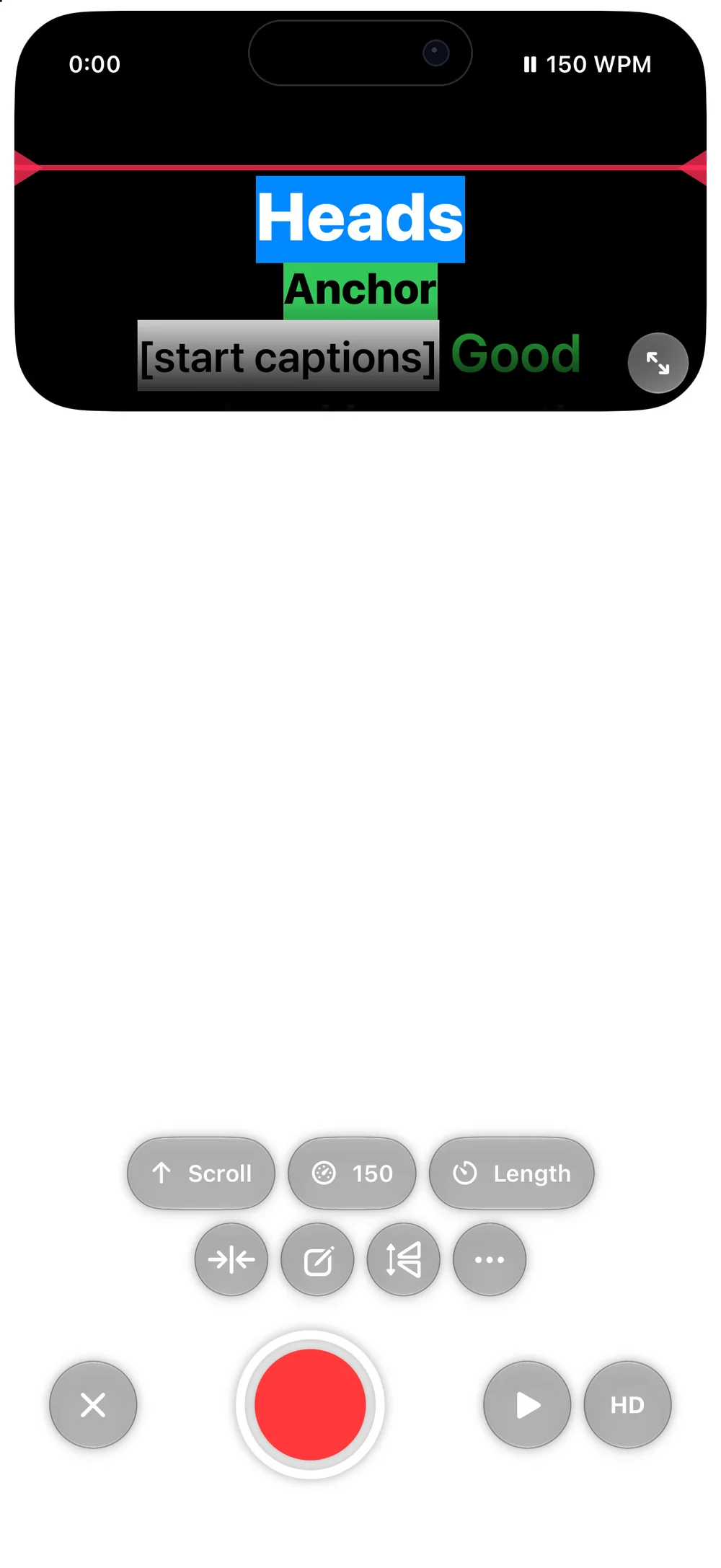
The text hangs from the Dynamic Island in a black panel, with the pink cue line just under the island. Pull the panel's corner down for more lines. The rest of the screen is your picture, full and never dimmed. Press record: a count-in, then the text and the recording start together.
- Scroll, voice or tap: the text moves at your pace
- Words a minute, from 80 to 300
- A length of 15, 30, 60 or 90 seconds, and the text paces itself to finish on time
- Slide on the picture to speed up or slow down, tap it to pause
- Recording in 720p, HD or 4K
Works with a prompter glass
Lay the phone under the glass of a prompter rig and choose upside down or mirrored. The glass turns the text the right way round and shows it straight in front of the lens, so you look into the camera while you read. The camera sees through the glass and never sees the text.
Lock the rotation, so that a phone lying flat stays the way you set it. A second screen can show the text alone, and anyone on the same Wi-Fi can drive it from a browser after scanning a code.
Scripts that look like a studio's
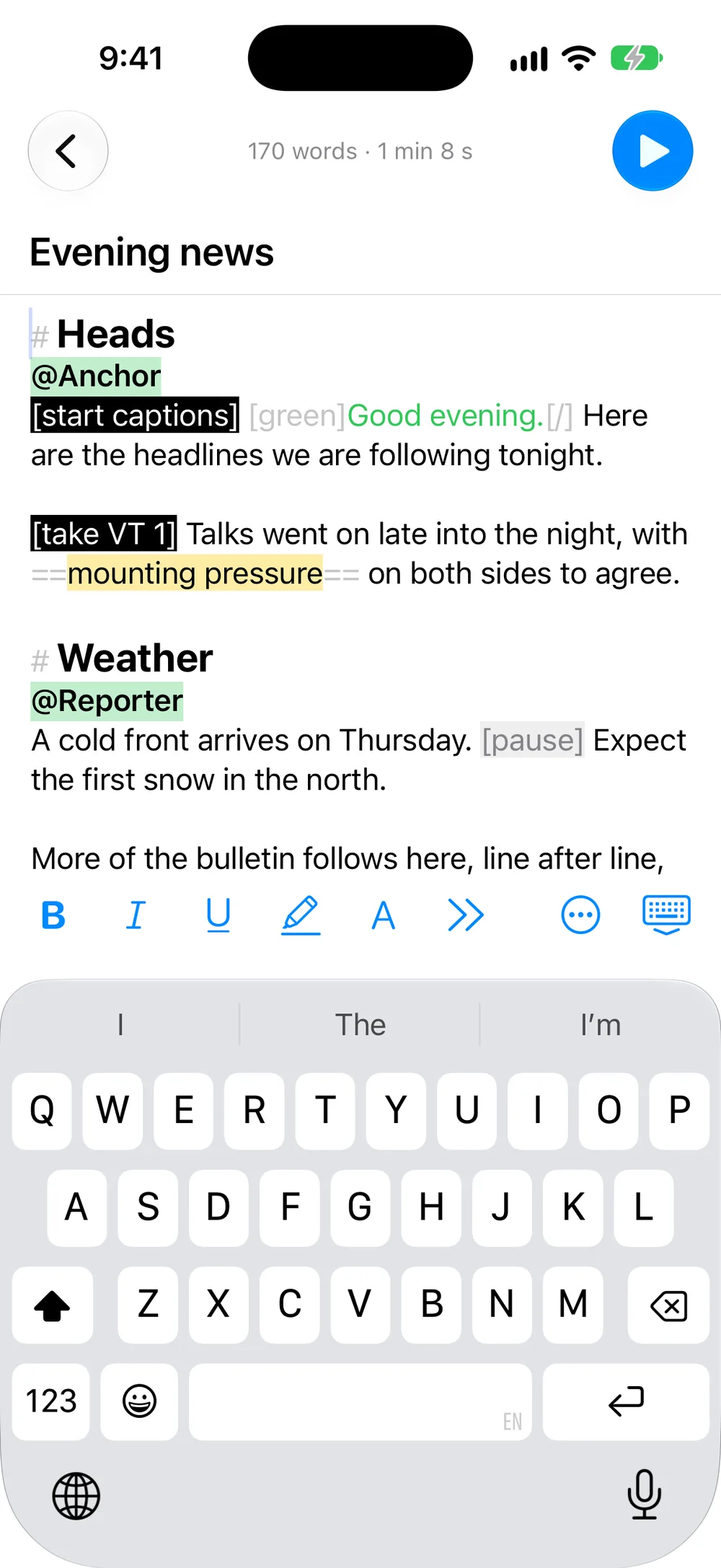
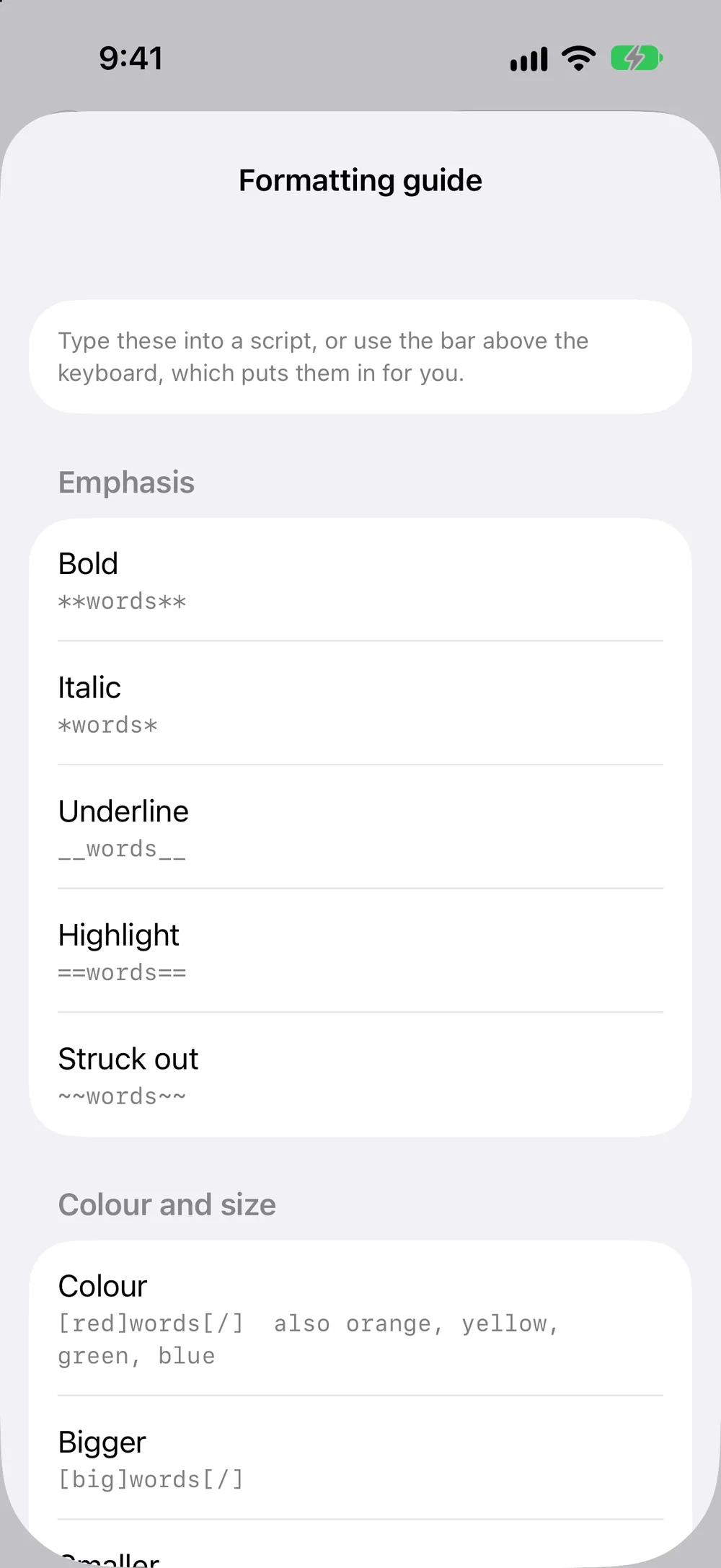
Mark a story, say who speaks, leave a note for yourself that is shown and never read aloud. Colour a word, make a line bigger, add a pause. Both modes read the same script.
- Formatting bar above the keyboard, and a guide to start with
- Jump from story to story
- Text, PDF and RTF import
- Deleted scripts wait in the bin
One button is enough
Hold a Bluetooth camera button: one press starts the text, the next one pauses it. Buttons, pedals, keyboards and game controllers move the text and never start or stop a recording by accident.
- Volume buttons to start and pause, go forward and back, or change the speed
- Clickers, pedals and keyboards
- Game controllers
Everything in Pinkcue
- Text hanging from the Dynamic Island
- Pink cue line just under the island
- Panel pulled down for more lines
- Full camera picture, never dimmed
- Count-in, then text and recording together
- 720p, HD or 4K
- Upside down or mirrored, one tap
- Mirroring kept in the editor
- Rotation lock
- Second screen with the text alone
- Remote in any browser, opened by scanning a code
- Scroll, voice or tap
- Words a minute, 80 to 300
- Lengths of 15, 30, 60 or 90 seconds
- Text that follows your voice
- Slide to change speed, tap to pause
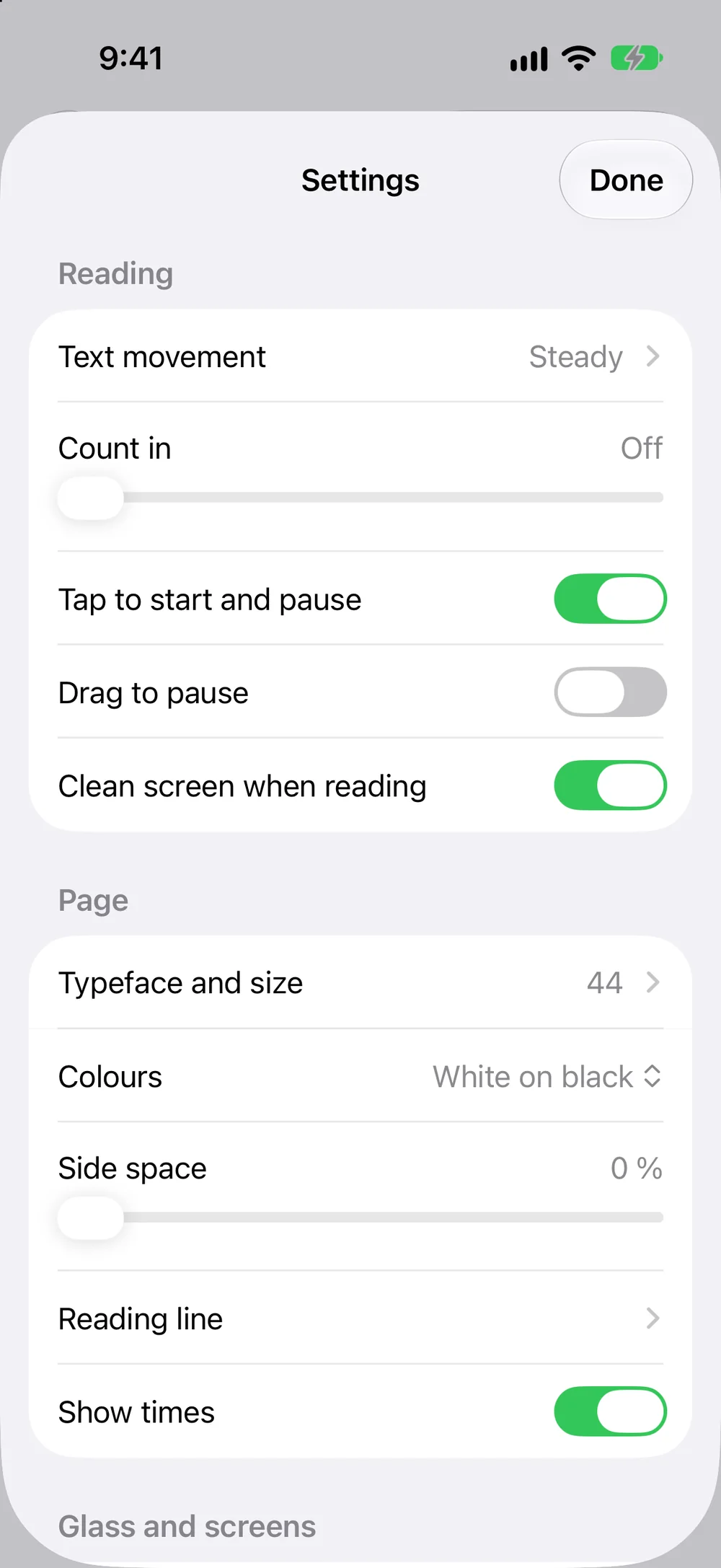
- Text width, typeface and colours
- Stories and sub-heads, with jumps between them
- Speaker labels
- Notes on screen, never read aloud
- Bold, italic, underline, highlight, strike-through
- Five colours, bigger and smaller text
- Pauses, lists and jump marks
- Text, PDF and RTF import
- Bin for deleted scripts
- Bluetooth camera buttons
- Clickers, pedals and keyboards
- Game controllers
- Volume buttons, set the way you like
- None of them starts or stops a recording
- Reels or prompter glass as the starting mode
- Switch modes from either screen
- Scripts on every device, with Google sign-in
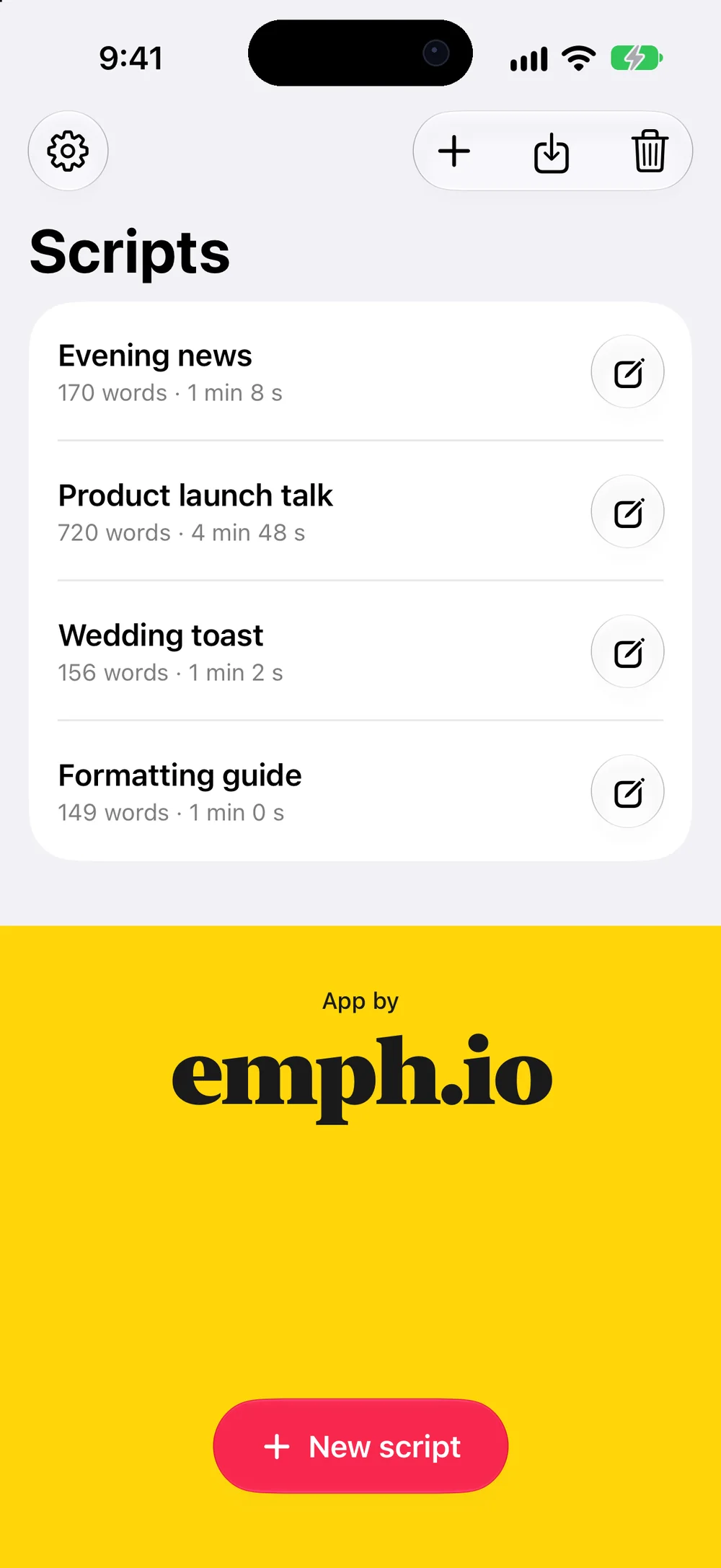
The whole app, screen by screen
Real screens from Pinkcue on an iPhone, as you will see them.
Available soon for iPhone and iPad
Pinkcue: Teleprompter for Reels is in development at emph.io. To hear when it is out, or to try it early, get in touch.